
AppFlowy
The free alternative toNotion

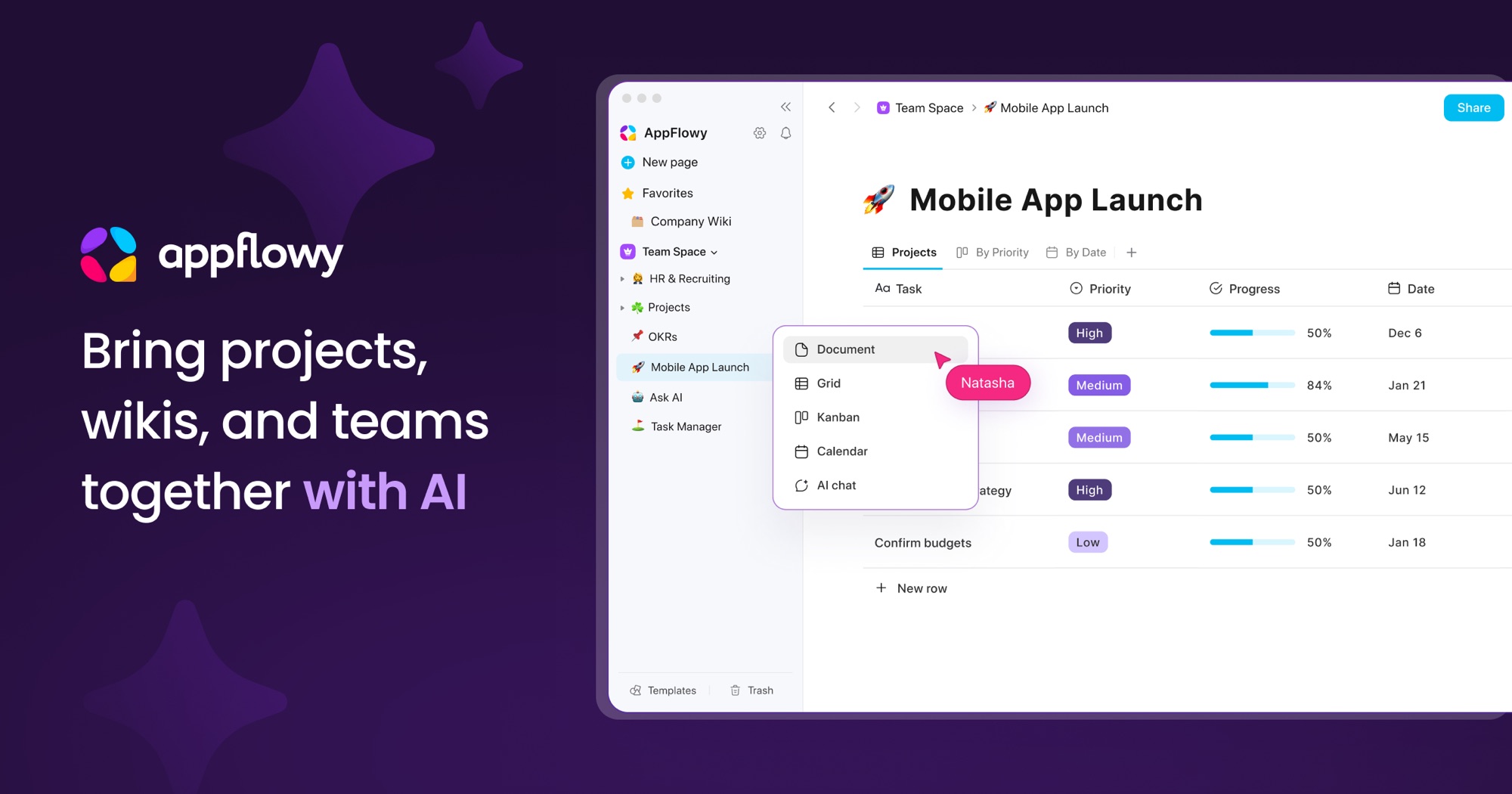
AppFlowy brings Notion's idea to a real installed app. You stack text, checkboxes and tables with their grid, kanban and calendar views, and link your databases together. On the first screen you can continue without creating an account: the app opens a local space and stores everything in a folder on your disk, whose location you change in the settings. It runs on macOS, Windows, Linux, iPhone, Android and in the browser, under the AGPL v3 licence. AI features can run on your own computer through Ollama, for free, with no key and no subscription. What to know before leaving Notion: syncing between devices and working together are not local. They need a server, theirs or yours.
Versus Notion: the match
Price
AppFlowy
€0, the app is free
Notion
€12 per member per month
Your pages
AppFlowy
In a folder on your disk, one you pick
Notion
On their servers
Account required
AppFlowy
No, you can do everything without signing up
Notion
Yes, from the very first page
| VS | AppFlowy | Notion ↗ |
|---|---|---|
| Price | €0, the app is free | €12 per member per month |
| Your pages | In a folder on your disk, one you pick | On their servers |
| Account required | No, you can do everything without signing up | Yes, from the very first page |
| Syncing between devices | Through a server: theirs, free up to 2 people and 5 GB, or yours | Included, nothing to set up |
| AI inside your pages | Ollama on your machine, free, on desktop | Notion AI, on their servers |
| Code | AGPL v3 for the app, to read and fork | Closed |
How to install it (even from zero)
Nothing to host: you download an application, the way you would install Notion. The only real choice happens on the first screen, between a local space on your machine and an account that syncs your devices.
- 1
Paste this prompt into Claude (Code or Desktop)
It spots your system, downloads the right build from the official project, sets storage to local and creates a first page to check:
Installe AppFlowy sur ma machine (l'alternative open source à Notion, dépôt GitHub AppFlowy-IO/AppFlowy) : commence par identifier mon système d'exploitation et ma puce, puis va sur la page des releases du dépôt officiel ou sur appflowy.com/download et télécharge la dernière version stable qui correspond (fichier dmg pour macOS Intel ou Apple Silicon, installeur pour Windows, AppImage ou paquet Flathub ou Snap pour Linux). Installe l'application, ouvre-la, et au premier écran choisis de continuer sans compte pour que tout reste chez moi. Va ensuite dans les réglages, rubrique de gestion des données, montre-moi où se trouve le dossier de stockage, et propose-moi de le déplacer dans un dossier que je sauvegarde déjà, en m'avertissant si ce dossier est synchronisé par un service en ligne. Crée avec moi une première page avec du texte, une case à cocher et un tableau affiché en kanban, puis ferme et rouvre l'application pour vérifier que tout est bien enregistré en local. Termine en m'expliquant en deux phrases ce qu'il faudrait faire si je veux plus tard synchroniser mes appareils. Explique chaque étape simplement, je débute.

Review the GitHub repository and check whether it is safe to install given my machine and my infrastructure. Ask me as many questions as possible, using widgets, to clarify my request and be as precise as you can.
- 2
Pick the local space on the first screen
The welcome screen offers to continue without an account. That is the option that keeps your pages on your machine. In the settings you can see the storage folder and change it. Avoid putting it inside a folder synced by Google Drive or iCloud: the app warns you itself, the database can get corrupted if two devices touch it at the same time.
- 3
Syncing, only if you need it
In local mode your pages stay on a single machine. To find them on your phone or share them, you need a server. AppFlowy's cloud is free up to 2 people and 5 GB, then moves to around €11 per person per month. Hosting the server yourself is possible, but its code is no longer an open repository: it is a commercial build, free for a single seat.
 Paste this prompt into Claude (Code or Desktop)
What you actually do with it
Your second brain, no subscription
Notes, projects, client lists: you find Notion's blocks again, tables and their grid, kanban and calendar views. You put everything in there, and no meter is running at the end of the month.
Sensitive files stay with you
A meeting write-up, a quote, a client's details: in a local space nothing leaves your disk. No third-party server to name in a contract, and one backup is enough to keep it all safe.
An AI that runs on your computer
In the settings you plug in Ollama and pick your model. Summarize a page, rewrite it, ask your notes a question: it happens on your machine, with no API key and without the text going anywhere. It has been free for everyone since April 2025, on desktop only.
Project health, at a glance
Before installing an open-source tool, one question matters: is the project alive? These scores are computed from public GitHub data. They are not made up.
61/100
GoodHealthy, followed project: a good everyday choice.
- Activity
- 5
Is the code moving? (commits in the last 30 days)
- Maintenance
- 100
How fresh is the latest update? Fresher is better.
- Community
- 99
Stars and contributors: people around means help and fixes.
- Maturity
- 100
Project age. Old enough to be solid, still alive.
- Momentum
- 1
Current pace versus its usual pace: speeding up or dozing off?
The repo in numbers
- GitHub stars
- 78k
- Forks
- 6.1k
- Contributors
- 362
- Commits
- 7.2k
- Project age
- 5.4 yrs
- Last commit
- 3 d ago
- Size
- 91.7 MB
- License
- AGPL-3.0
Built with
- Dart 73.6%
- Rust 24.1%
- C++ 0.7%
- Shell 0.5%
Scores computed automatically from the GitHub API (last-30-days activity, update freshness, community size, project age). Refreshed daily.

Loucash’s take
7/10
If you want to leave Notion without changing your habits, this is the closest thing. You find the pages, the blocks, the tables with their views and relations, and it is a native app: it opens fast and it works with no network. Local mode is picked on the first screen, your data sits in a folder you back up however you like, and local AI through Ollama is free for everyone. What gets in the way is everything server-side. The open source server repo, AppFlowy-Cloud, is archived, and its own README says it is no longer used by any of the vendor's products: self-hosting today goes through a closed commercial build, free for a single seat. Their cloud stops at 2 people and 5 GB, then it is around €11 per person per month, the price of Notion. And the app's public code has not moved since 26 June 2026 while two releases shipped in the meantime: the team explains that it develops in private repos and will push the code back later. Who it is for: you, if you work alone on one machine and want Notion's layout with no subscription. You will lose things on the way: publishing a page to the web, live collaboration and the Notion import all need an account, the mobile apps are less polished than Notion's, and databases full of formulas and automations do not carry over as they are. Do not mix it up with Obsidian either: here your pages live in a database, not in Markdown files you open with another tool. Markdown export exists, page by page.
It’s for you if: You work alone on your machine and want Notion's pages and tables with no subscription and no account, even if it means giving up public sharing and working together.
Also worth a look in the library
OpenSEO
Data & analytics€134/moThe open source SEO tool that does the job of Semrush and Ahrefs: keyword research, backlinks, rank tracking, site audit, visibility in AI answers. The software is free and self-hosted; the SEO data is pay as you go, a few cents per request, no subscription.
View details →
OpenBot
Agents & orchestration€86/moAI agents that each get their own computer: a real browser with their own logins, files and tools. The same idea as xAI's Grok Bot, except this one runs at home and costs nothing.
View details →
ERPNext
Business & clients€38/moThe open source ERP that replaces Sage: accounting, invoicing, purchasing, sales, stock, manufacturing, projects and CRM in one tool. Free on your own server, with no per user licence, and a French extension for the FEC and VAT.
View details →



One email a week that saves you money
Every Tuesday: the open source alternatives that just entered the library, what they replace and what they save you. One email, nothing more.
Free. One email on Tuesdays. Unsubscribe in one click. Your data


Join the Tuesday readers
