
Penpot
The free alternative toFigma
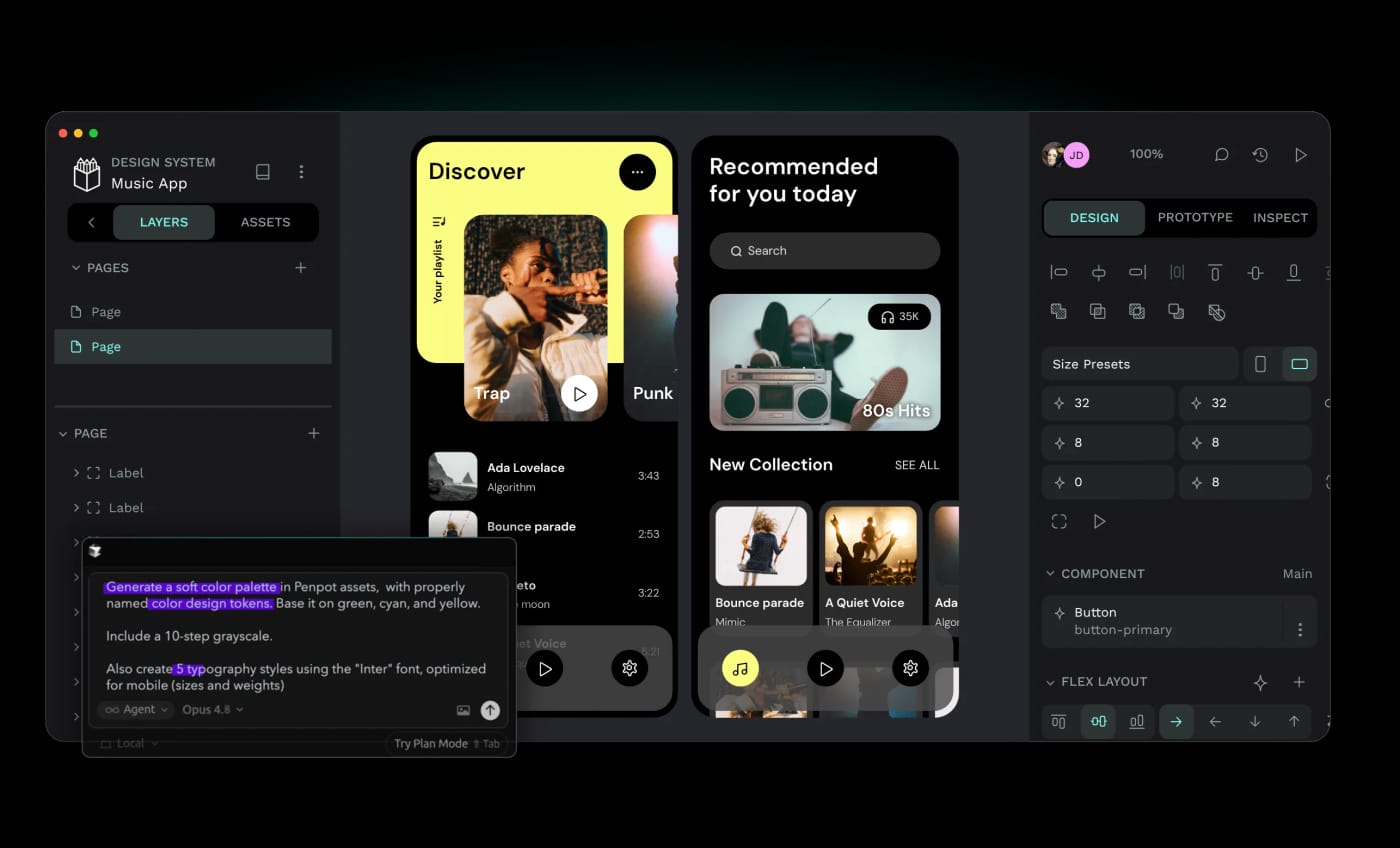
Penpot is the open source alternative to Figma. You get reusable components, variants, shared libraries, clickable prototypes, real time collaboration and design tokens. Penpot draws in SVG and lays out with Flex and CSS Grid, just like the browser: a mockup built properly comes out as code your developer recognises, and code inspection is open to everyone, while Figma charges a Dev seat for it. Online, the penpot.app free plan gives you every feature, up to eight team members, 10 GB of storage and seven days of history. On your own server with Docker, nothing is capped. Before leaving Figma: no FigJam equivalent, fewer plugins, and moving a large Figma file over is not a simple copy and paste.
Versus Figma: the match
Price
Penpot
€0 online, every feature included
Figma
€20/month per seat, €16 yearly
Number of files
Penpot
Unlimited, only your storage counts
Figma
Three files on the free plan
Reading a mockup's code
Penpot
Open to everyone
Figma
Dev seat, €15/month (€12 yearly)
| VS | Penpot | Figma ↗ |
|---|---|---|
| Price | €0 online, every feature included | €20/month per seat, €16 yearly |
| Number of files | Unlimited, only your storage counts | Three files on the free plan |
| Reading a mockup's code | Open to everyone | Dev seat, €15/month (€12 yearly) |
| Prototypes and components | Yes, with variants and shared libraries | Yes |
| Layout | Flex and CSS Grid, what the browser actually uses | In house auto layout |
| Where your files live | Their cloud, or your server with Docker | Figma's cloud |
| FigJam style whiteboard | No equivalent | Yes, as an extra |
How to install it (even from zero)
The simplest path: a free account on penpot.app, nothing to install, every feature unlocked. If you want your files on your own machine or server, the prompt also does the Docker install.
- 1
Paste this prompt into Claude (Code or Desktop)
It asks whether you stay online or host it yourself, then walks you through your first mockup:
Je veux passer de Figma à Penpot (l'outil de design open source, dépôt GitHub penpot/penpot, site penpot.app). Demande-moi d'abord si je veux utiliser la version en ligne gratuite sur penpot.app (plan Professional à 0 euro, toutes les fonctions, jusqu'à huit membres d'équipe, 10 Go de stockage) ou l'héberger moi-même avec Docker, et explique-moi ce que je gagne et ce que je perds dans chaque cas. Pour l'auto-hébergement, guide-moi pas à pas avec le docker-compose officiel de la documentation Penpot, en me disant ce qu'il faut comme machine, comment régler l'envoi des mails et comment sauvegarder mes fichiers. Ensuite, fais-moi créer un premier projet : une maquette d'écran, un composant réutilisable, un prototype cliquable avec deux écrans reliés, et montre-moi comment un développeur lit le code CSS de ma maquette. Explique-moi enfin comment reprendre mes fichiers Figma existants et ce qui passe mal dans cette reprise.

Review the GitHub repository and check whether it is safe to install given my machine and my infrastructure. Ask me as many questions as possible, using widgets, to clarify my request and be as precise as you can.
- 2
Start with a fresh project
Moving a big Figma file over rarely goes well. Build your next mockup straight in Penpot and judge from there.
- 3
Invite your developer
They read the CSS of every element without a paid seat. That is where Penpot saves a small team the most money.
 Paste this prompt into Claude (Code or Desktop)
What you actually do with it
Your mockups without a file counter
Figma's free plan stops at three files. Here you open as many projects as you want, with every feature.
Design that already speaks code
Flex and CSS Grid instead of a bespoke system: what you place on screen, the developer finds in their stylesheet.
A design system nobody can shut down
Components, variants, colour and typography tokens, hosted at home if you want. No vendor can change the rules.
Project health, at a glance
Before installing an open-source tool, one question matters: is the project alive? These scores are computed from public GitHub data. They are not made up.
99/100
ExcellentVery active, well-maintained project: go ahead with confidence.
- Activity
- 100
Is the code moving? (commits in the last 30 days)
- Maintenance
- 100
How fresh is the latest update? Fresher is better.
- Community
- 97
Stars and contributors: people around means help and fixes.
- Maturity
- 100
Project age. Old enough to be solid, still alive.
- Momentum
- 100
Current pace versus its usual pace: speeding up or dozing off?
The repo in numbers
- GitHub stars
- 62.1k
- Forks
- 4.4k
- Contributors
- 322
- Commits
- 24.6k
- Project age
- 10.9 yrs
- Last commit
- today
- Size
- 427.8 MB
- License
- MPL-2.0
Built with
- Clojure 73.6%
- JavaScript 6.8%
- Rust 6.6%
- TypeScript 5.8%
- SCSS 3.2%
Scores computed automatically from the GitHub API (last-30-days activity, update freshness, community size, project age). Refreshed daily.

Loucash’s take
8/10
It is the most upvoted suggestion in the library, and it holds up. Penpot is no garage project: ten years old, 60,000 stars, three hundred contributors, updates every three weeks. For a freelancer or a small team, the free online plan has no catch: every feature, as many files as you want, while Figma's free plan stops you at three. What I find clever: the choice of SVG and CSS Grid. Your mockup is no longer a picture the developer has to guess at, it is a layout they find again in their browser. And code inspection is open to everyone, while Figma sells it as a Dev seat from €12 a month. What may bite: on a very heavy file, Penpot stays less snappy than Figma. The plugin library is thinner. There is no FigJam style whiteboard. And if you have three years of Figma files behind you, moving over is not a simple import: plan on rebuilding rather than converting.
It’s for you if: You design alone or in a small team, you pay Figma mostly to get past the three free files, and you work with a developer. If your team lives in FigJam and in plugins, keep Figma.
Also worth a look in the library
PhotoCraft
Content & social€27/moThe open source Photoshop, rewritten from scratch: layers, masks, adjustment layers, styles, type, vectors, brushes and real PSD files. Free, offline and with no account, still in alpha.
View details →
FilmCraft
Content & social€27/moThe open source Premiere Pro, rewritten from scratch: multitrack timeline, trims, Lumetri-style grading, effects, audio mixing, captions and export. Free, with no account, still in alpha.
View details →
VectorCraft
Content & social€27/moThe open source Illustrator, rewritten from scratch: pen, Pathfinder, Shape Builder, gradients, type, layers, and SVG, PDF and PDF-compatible .ai files. Free, with no account, still in alpha.
View details →



One email a week that saves you money
Every Tuesday: the open source alternatives that just entered the library, what they replace and what they save you. One email, nothing more.
Free. One email on Tuesdays. Unsubscribe in one click. Your data


Join the Tuesday readers
