
Cue
The free alternative toCluely

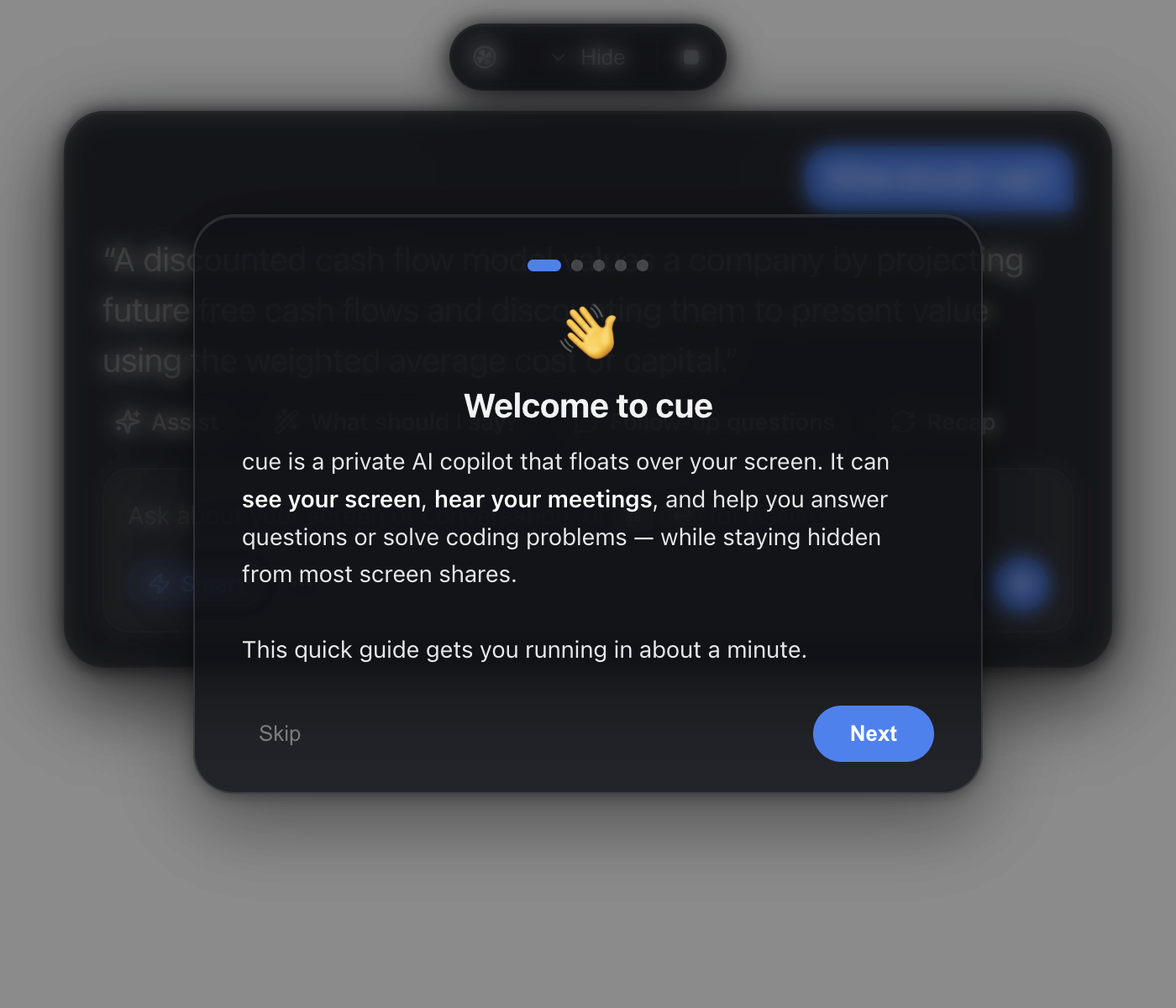
Cue floats a small glass panel above everything, with three inputs: your screen, your microphone, and the meeting audio, meaning what the other person says. From there, you hit a shortcut and it helps you live: what do I answer to that, the follow-up questions to ask, the call recap, or the full solution to a coding problem captured on screen. All of it built to stay invisible when you share your screen. The difference with Cluely: it is open source, runs at home, and you plug in your own API key (OpenAI, Anthropic or Gemini) instead of paying a subscription climbing to €128 a month.
Versus Cluely: the match
Price
Cue
€0, you pay your own tokens
Cluely
€18 to €130/mo
The model
Cue
Yours: OpenAI, Anthropic or Gemini
Cluely
Theirs, imposed
Your audio and screen
Cue
Processed with YOUR key, under your control
Cluely
Pass through their servers
| VS | Cue | Cluely ↗ |
|---|---|---|
| Price | €0, you pay your own tokens | €18 to €130/mo |
| The model | Yours: OpenAI, Anthropic or Gemini | Theirs, imposed |
| Your audio and screen | Processed with YOUR key, under your control | Pass through their servers |
| Platforms | macOS and Windows | macOS and Windows |
| Evolution | Open code, adapt it | Closed roadmap |
How to install it (even from zero)
A desktop app to download, plus an API key to plug in and two system permissions to grant. Nothing hard, but follow the steps in order.
- 1
Paste this prompt into Claude (Code or Desktop)
It downloads the right version from the official repository, installs it and walks you through the API key:
Installe Cue sur ma machine (le copilote IA open source qui flotte au-dessus de l'écran, repo GitHub Blueturboguy07/cue) : télécharge la dernière release depuis github.com/Blueturboguy07/cue/releases pour mon système (le zip arm64 sur Mac Apple Silicon, le .exe sur Windows) et installe-la. Guide-moi ensuite pour brancher ma clé API (OpenAI, Anthropic ou Gemini) et pour accorder les autorisations demandées : le micro, et l'enregistrement d'écran sur Mac. Vérifie enfin que le panneau répond au raccourci d'assistance. Explique chaque étape simplement, je débute.

Review the GitHub repository and check whether it is safe to install given my machine and my infrastructure. Ask me as many questions as possible, using widgets, to clarify my request and be as precise as you can.
- 2
Grant the two permissions
On Mac: microphone and screen recording. That is what lets it see your screen and hear the meeting. On Windows, only the microphone is needed.
- 3
Try it on a fake meeting
Start a call with yourself, ask a question out loud and hit the shortcut. You will see the answer appear in the panel, and know exactly what it does before a real meeting.
 Paste this prompt into Claude (Code or Desktop)
What you actually do with it
The right argument, at the right moment
In a client meeting, an objection lands: you hit the shortcut and Cue suggests what to answer, based on what was just said. The other person sees nothing.
The recap without taking notes
At the end of the call, one button gives you the recap and the follow-up questions. You stay in the conversation instead of scribbling.
A coding problem solved on screen
An exercise or a piece of code on screen, one shortcut, and the full solution lands in the panel. Great for practising and understanding step by step.
Project health, at a glance
Before installing an open-source tool, one question matters: is the project alive? These scores are computed from public GitHub data. They are not made up.
43/100
FairDecent project, keep an eye on it over time.
- Activity
- 15
Is the code moving? (commits in the last 30 days)
- Maintenance
- 100
How fresh is the latest update? Fresher is better.
- Community
- 58
Stars and contributors: people around means help and fixes.
- Maturity
- 40
Project age. Old enough to be solid, still alive.
- Momentum
- 3
Current pace versus its usual pace: speeding up or dozing off?
The repo in numbers
- GitHub stars
- 1.5k
- Forks
- 343
- Contributors
- 29
- Commits
- 208
- Project age
- 0.3 yrs
- Last commit
- 6 d ago
- Size
- 1.8 MB
- License
- GPL-3.0
Built with
- JavaScript 82.1%
- CSS 4.8%
- PowerShell 4.5%
- HTML 3.7%
- Shell 3.1%
Scores computed automatically from the GitHub API (last-30-days activity, update freshness, community size, project age). Refreshed daily.

Loucash’s take
7/10
Really good software, and the idea is clever: rather than paying Cluely between €18 and €130 a month for an imposed model, you get the same mechanics with your own API key, at the raw cost of your tokens. Two things to know before you start. First, the project is young: a few weeks old, one developer, so expect rough edges. Second, and it matters, invisibility in screen shares is NOT guaranteed: its own authors say so, and on recent Macs some capture tools see it anyway. And let me be blunt: using it to cheat in a proctored exam or a job interview may break the platform's rules, or even consent laws depending on where you are. Use it for your own meetings, your notes and your practice, not for what would come back to bite you.
It’s for you if: You do a lot of video meetings and want a discreet prompter running on your own API key.
Also worth a look in the library
VoiceStudio
Voice & transcription€23/moThe open source voice studio that replaces ElevenLabs: clone your voice from a few seconds of audio, have it read your scripts or dub your videos into another language. Everything runs on your machine, with no account and no minute counter.
View details →
Meetily
Voice & transcription€15/moYour meeting assistant running 100% on your machine: it listens, transcribes live and writes the summary. No recording ever goes to the cloud.
View details →
Anarlog
Voice & transcription€13/moThe meeting notepad that listens to your call without sending a bot into it, transcribes on your machine and hands you minutes you edit like a document. Your meetings stay with you.
View details →



One email a week that saves you money
Every Tuesday: the open source alternatives that just entered the library, what they replace and what they save you. One email, nothing more.
Free. One email on Tuesdays. Unsubscribe in one click. Your data


Join the Tuesday readers
