



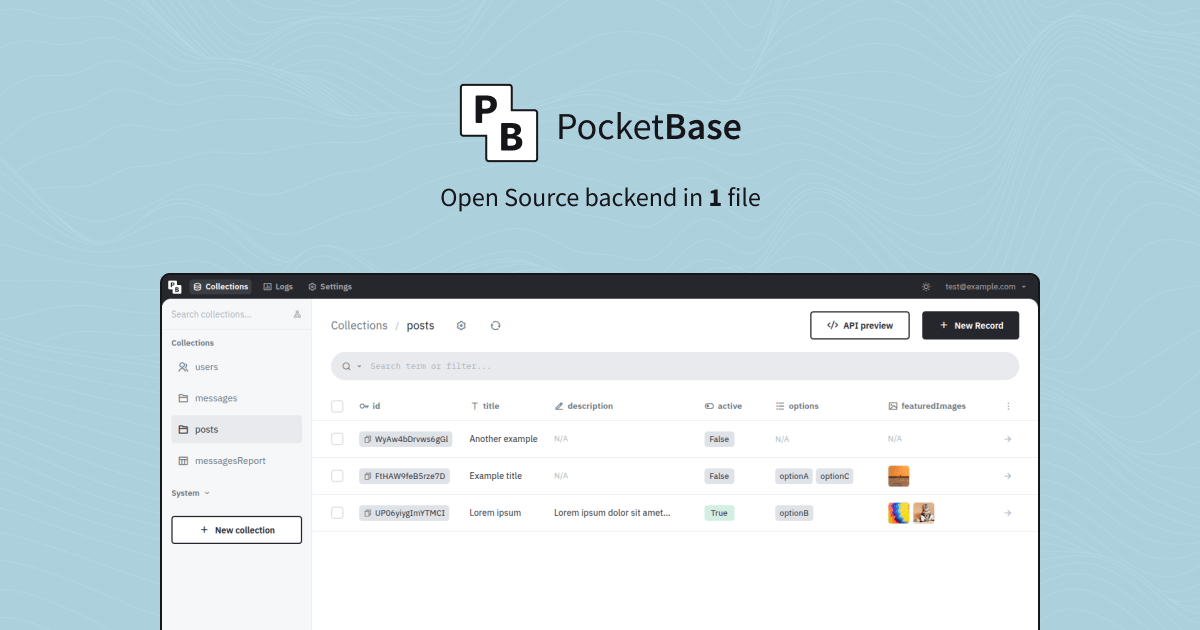
PocketBase is a full backend in a single executable (12 MB to download) that can replace Supabase or Firebase. You run it and you get a SQLite database with realtime subscriptions, a ready-to-use REST API and a dashboard to create your collections without writing SQL. It also handles users (email and password, about fifteen OAuth2 providers like Google or GitHub) and file storage, on your disk or on S3. Your app connects through the JavaScript or Dart SDKs, and your server logic is written as JavaScript or Go hooks. Your data lives in a folder: backing up means copying it, and the dashboard can do it on its own, locally or to S3. MIT license. Worth knowing: the project is carried by a single developer, with no company behind it.
Versus Supabase: the match
Price
PocketBase
€0, plus the small server you host it on
Supabase
€22 per month for the Pro plan
Database
PocketBase
Embedded SQLite, in a single folder
Supabase
Hosted PostgreSQL on their side
Hosting
PocketBase
Yours, one binary to run
Supabase
Their cloud, or a heavy Docker stack to self-host
| VS | PocketBase | Supabase ↗ |
|---|---|---|
| Price | €0, plus the small server you host it on | €22 per month for the Pro plan |
| Database | Embedded SQLite, in a single folder | Hosted PostgreSQL on their side |
| Hosting | Yours, one binary to run | Their cloud, or a heavy Docker stack to self-host |
| Scaling | One server, you grow the machine | On demand, billed on usage |
| Server logic | JavaScript or Go hooks inside the binary | Edge Functions |
| Files | On your disk or an S3, thumbnails included | 100 GB included, then 2 cents per GB |
How to install it (even from zero)
No Docker, no database to install: a zip to download, a binary to run, and the dashboard opens in your browser. The prompt also covers the case where you install it on a VPS.
- 1
Paste this prompt into Claude (Code or Desktop)
It downloads the official binary, runs it, creates your admin account, puts it behind HTTPS if you are on a server, and checks with a first collection:
Installe PocketBase (le backend open source en un seul fichier, repo GitHub pocketbase/pocketbase). Demande-moi d'abord si je l'installe sur mon ordinateur ou sur un VPS Linux, et quel est mon système (macOS, Windows ou Linux, x64 ou ARM64). Télécharge la dernière version stable depuis la page des releases du repo officiel pour ma plateforme, décompresse l'archive dans un dossier dédié, puis lance ./pocketbase serve. Ouvre le lien d'installation qui s'affiche au premier lancement et aide-moi à créer mon compte superuser (ou crée-le avec la commande ./pocketbase superuser create si le lien ne s'ouvre pas). Si je suis sur un VPS : mets PocketBase en service systemd pour qu'il redémarre seul, et sers-le en HTTPS sur mon nom de domaine, soit avec le certificat Let's Encrypt automatique de PocketBase, soit derrière un reverse proxy Caddy ou Nginx. Ensuite, dans le tableau de bord d'administration, crée une première collection de test avec deux ou trois champs, ajoute un enregistrement, et vérifie que l'API le renvoie. Explique-moi où sont mes données (le dossier pb_data) et comment les sauvegarder. Explique chaque étape simplement, je débute.

Review the GitHub repository and check whether it is safe to install given my machine and my infrastructure. Ask me as many questions as possible, using widgets, to clarify my request and be as precise as you can.
- 2
Create your admin account
On first launch, PocketBase prints an install link and opens it in your browser: you pick an email and a password, and you land on the dashboard. If the link does not open, the superuser create command does the same from the terminal.
- 3
On a VPS, HTTPS and automatic restart
Started with your domain name, PocketBase requests a Let's Encrypt certificate on its own. A systemd service restarts it after a reboot. And in Settings, turn on automatic backups and fill in an SMTP server, otherwise your confirmation emails will end up in spam.
- 4
Before every update, read the changelog
The project is not at version 1.0 yet. An update may require a small manual migration. Back up your data folder, read the release notes, then replace the binary.
 Paste this prompt into Claude (Code or Desktop)
What you actually do with it
The backend for your small app or SaaS
A client area, a mobile app in Flutter or React Native, an internal tool: you create your collections in the dashboard, set your access rules, and the SDK does the rest. No server to code to get started.
Prototype in one evening
User accounts, Google login, file uploads, realtime: it is all already there. You spend your time on the interface and the product, not on the plumbing.
Your data in a folder you can copy
Everything fits in a folder next to the binary. To change host, you copy it. To back up, the dashboard zips it, locally or to S3. Nothing is locked inside a vendor.
Project health, at a glance
Before installing an open-source tool, one question matters: is the project alive? These scores are computed from public GitHub data. They are not made up.
79/100
GoodHealthy, followed project: a good everyday choice.
- Activity
- 95
Is the code moving? (commits in the last 30 days)
- Maintenance
- 100
How fresh is the latest update? Fresher is better.
- Community
- 87
Stars and contributors: people around means help and fixes.
- Maturity
- 90
Project age. Old enough to be solid, still alive.
- Momentum
- 23
Current pace versus its usual pace: speeding up or dozing off?
The repo in numbers
- GitHub stars
- 61.6k
- Forks
- 3.8k
- Contributors
- 44
- Commits
- 2.6k
- Project age
- 4.3 yrs
- Last commit
- 5 d ago
- Size
- 143.6 MB
- License
- MIT
Built with
- Go 69.2%
- JavaScript 24.5%
- CSS 6.3%
Scores computed automatically from the GitHub API (last-30-days activity, update freshness, community size, project age). Refreshed daily.

Loucash’s take
8/10
This is the open source alternative to Supabase and Firebase I recommend when you want to understand what you are running. One file, a SQLite database, authentication, files, realtime and a clean dashboard. You start it in five minutes on a VPS at 4 or 5 euros a month, and it holds more than 10,000 realtime connections on a €4 Hetzner VPS, measured by the author himself. What gets in the way, and it needs saying. The project is not at version 1.0: the author warns that compatibility is not guaranteed and that an update may require a manual migration. There is no hosting on offer, so the €22 saving assumes you have a server (and if you are on Supabase's free plan, you save nothing for now, you mostly gain control). It runs on one machine only, no spreading across several servers, and that is a deliberate choice. And it is one person's project, with no company and no paid support: it is very active, with a release out this week, but you depend on a single developer. Last point: the author writes in plain words that if you plan to rely only on an AI without reading the docs, you had better not use PocketBase. The prompt above saves you time, but at least read the introduction and the page on access rules. Do not confuse it with self-hosted Supabase, which is still PostgreSQL and several Docker containers to maintain: PocketBase is the light version, for a freelancer, a small team, a SaaS getting started. If you need PostgreSQL, cloud functions or a huge load, it is not the right tool. For everything else, it is the one I would install first.
It’s for you if: You build an app, a SaaS or an internal tool, you pay or are about to pay for Supabase or Firebase, and you want a complete backend at home that you understand end to end.
Also worth a look in the library
OpenSEO
Data & analytics€134/moThe open source SEO tool that does the job of Semrush and Ahrefs: keyword research, backlinks, rank tracking, site audit, visibility in AI answers. The software is free and self-hosted; the SEO data is pay as you go, a few cents per request, no subscription.
View details →
Casdoor
Data & analytics€31/moThe open source sign in server that replaces Auth0: a login page in your colours, sign in with Google and about a hundred others, two factor authentication, enterprise SSO. Your user accounts stay on your server, with no bill that grows with them.
View details →
LibreCrawl
Data & analytics€22/moThe SEO crawler that combs through your site: titles, meta, broken links, redirects, JavaScript rendering, unlimited exports. What Screaming Frog does, on your machine, without the yearly licence.
View details →



One email a week that saves you money
Every Tuesday: the open source alternatives that just entered the library, what they replace and what they save you. One email, nothing more.
Free. One email on Tuesdays. Unsubscribe in one click. Your data


Join the Tuesday readers
